Digital Memorial Station: How to Set Up an Interactive Memory Display for a Memorial Service, in an Hour, With No Special Equipment
At the memorial service, the thirtieth-day gathering, the school's remembrance ceremony, or simply in the living room during the shiva, many families want one screen that tells the life story, without someone standing next to it pressing buttons. That is what people are looking for when they search "digital memorial station". The short answer: you do not need a kiosk vendor or special equipment. A tablet on a stand, or the TV the hall already has, and an album that plays itself, aloud, by life periods, does it in an hour. In this guide: the options, exactly how our player works (including playing on a loop for a whole event), and how to set it up.
When a station is worth having
- Shiva and the thirtieth day: a screen in the living room running in the background, instead of an album passed hand to hand and stuck with someone.
- The annual memorial: there is no power at the cemetery, but at the meal afterwards there is.
- Ceremonies: remembrance day at school, a memorial evening in the unit, the workplace. There, "interactive" matters: people who did not know the person want to browse, not watch.
- A care home or day centre: a permanent display for a resident, which friends can walk up to.
Four ways to do it, plainly
- A slideshow (PowerPoint, Google Photos): free and fast. No voice, no story for each photo, no interaction, and someone has to run it. For most shivas it is entirely enough.
- An edited film: beautiful and moving, and a closed product: whatever did not make the edit never will, and every change costs. Right for a ceremony, less so for a display people browse.
- A commercial kiosk: a dedicated touch screen with software, the solution of museums and memorial halls. Thousands and up, meant for a permanent location.
- A living album with a player: a web page that plays itself on any screen, narrates every photo aloud, lets guests browse and add, and keeps updating after the event. That is what we build, and what it does is explained exactly below.
How the album player works, the full explanation
On the memorial page, once the album has at least five narrated moments, the "Play the album" button appears. One tap, and this is what happens:
- Fullscreen, hands-free. The tour moves on its own from moment to moment, with a soft crossfade between photos. Nothing to press until the end.
- By life chapters. If the photos have dates, the album is arranged in chapters, childhood, the young years, the family, and each chapter opens with a title card and a spoken introduction. Without dates the tour runs as one sequence.
- Every moment narrated aloud. The story the family wrote for the photo is read, in a narrator's voice or, if recordings were saved, in the person's reconstructed voice. A photo without a story shows for a few seconds and moves on. How much narration is included depends on the plan.
- Subtitles, mute, chapters menu. In a noisy hall you turn on subtitles; at a quiet table you mute and leave the photos. From the chapters menu you jump straight to a period someone asked to see; an arrow or a swipe to the next or previous moment.
- The newest photo opens. The tour starts from what the family uploaded last, so whoever added a photo on the morning of the service sees it first.
- A loop for the station. The controls bar has a loop button (circular arrow): when it is on, the tour starts over by itself when it ends, two hours of a memorial with nobody touching the screen. When it is off, a closing card appears at the end with "Play again", "Share the album" and "Play on a loop for a memorial station".
And what makes it "interactive": when the tour is not running, a guest browses the album alone, taps a photo to hear its story, lights a candle, leaves a memory, and, if the family chose to allow it, also talks with the persona built from the memories. The conversation can be kept off the public station; that decision is yours.
Setting up in an hour, step by step
- 20–40 photos with two or three lines on each. This is the heart: without a story there is nothing to narrate. How to gather from the whole family without it scattering, in the photo guide. Five narrated photos are enough for the button to appear; twenty make a tour of about a quarter of an hour.
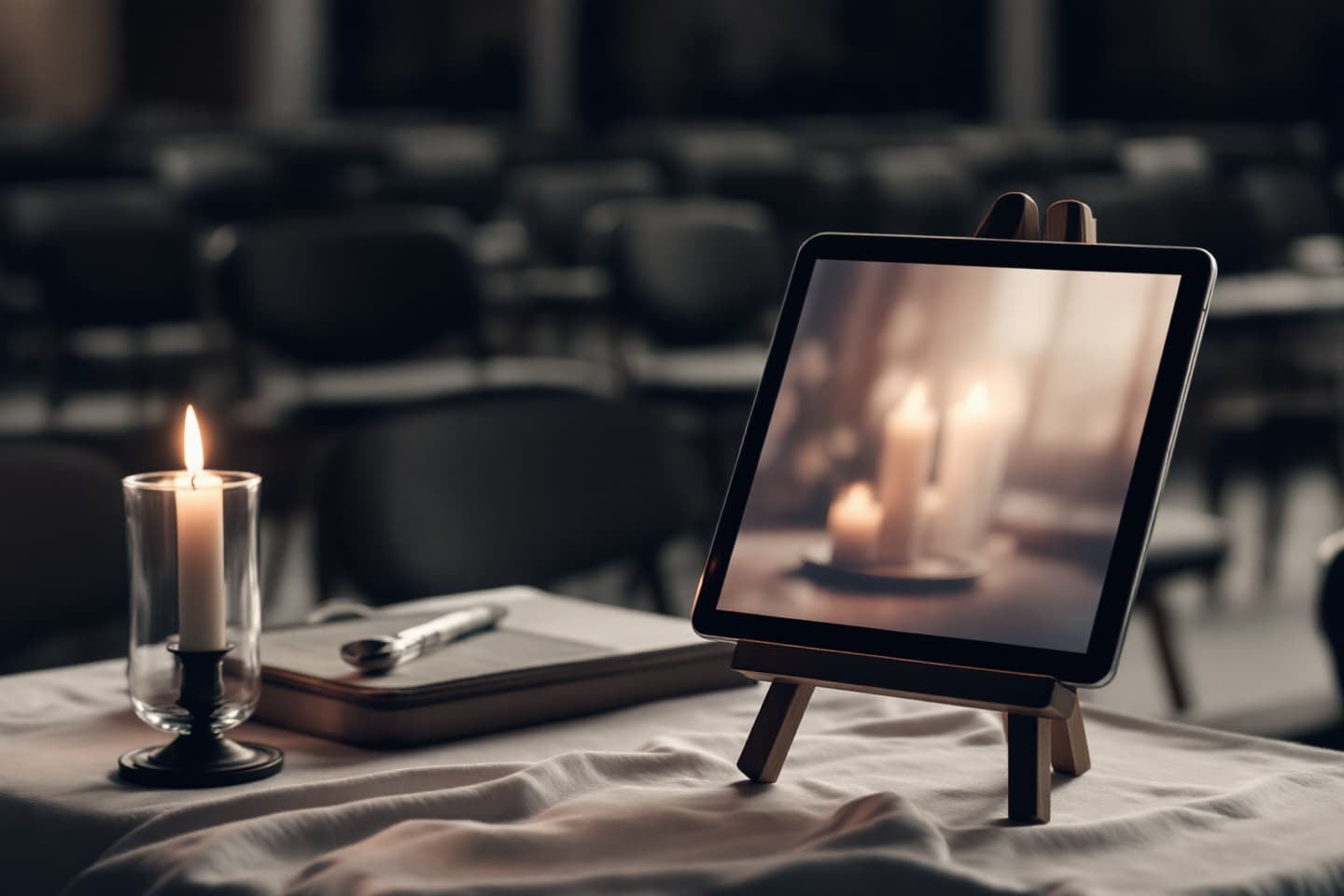
- The screen. A tablet on a stand (a book stand works), for the shiva and for a table at the event. A TV, for a hall: a laptop on an HDMI cable, or casting the browser from a phone to a smart TV. The page works in any browser; no app needed.
- Sound. A tablet's speaker is not enough for a full room. A small Bluetooth speaker, at a level that does not compete with conversation, the narration should be in the background, not the centre.
- Internet. A hotspot from a phone is enough. And a charging cable, a narrated tour drains a battery.
- One tap and a test. Open the album link, tap "Play the album" (one tap is required for sound to start, that is how browsers work), go fullscreen, and check it can be heard from the far side of the room.
- Loop. Turn on the loop button in the controls bar (or "Play on a loop" on the closing card), and from there the station runs by itself. Still worth having someone pass by every half hour, mostly for the battery.
Three things to think about in advance
- Who appears in the photos. A station at an event is a public place. A photo of a friend who would not want to appear, keep it in the album, out of the tour.
- What is open to guests. The album can be fully private, open by link, or open with the option to add. Decide before the event, and check from the phone of someone outside the family.
- Do not start at the event. One test at home, the evening before. Everything works, but it is not the moment to discover that nobody knows the hall's Wi-Fi password.
More on what the album does without an event, in The Living Album, and how the whole process works from the first photo, in How It Works. Or simply open the example album and tap "Play the album" that is what your guests will see.
FAQ
What is a "digital memorial station", exactly?
A screen, a tablet, a laptop or a TV, placed at a memorial event, showing the person's life story: photos, text, sometimes voice. An "interactive memory display" is the same thing, except guests can also browse on their own, hear the story of a particular photo and leave a memory of their own, instead of only watching a slideshow run.
Does the station need internet?
Yes. The album player is a web page, and the narration streams. An ordinary mobile connection is enough (a hotspot from a phone works well). Test once at home beforehand that everything loads and can be heard.
Can the station run in a loop for the whole event?
Yes. At the end of the tour a closing card offers "Play again", "Share" and "Play on a loop for a memorial station"; tapping the last one starts over and keeps playing until you close it. You can also turn the loop on mid-tour from the circular-arrow button in the controls bar. Some families prefer to leave the closing card up, with the album link, so guests scan it and continue from their own phones.
Can it be attached to a QR plaque on the headstone?
Yes. The album has one permanent address, and any QR plaque, from any vendor, can point to it. We do not sell plaques; several companies do, and you can ask them to encode your address.
From what you kept, to someone you can talk with
The WhatsApp, photos and recordings you already have become a persona that speaks in their style, with a living album beside it. One-week free trial.
Start a memorial for free