What to Do With the Photos of Someone Who Passed Away: From the Box in the Closet to an Album That Tells the Story
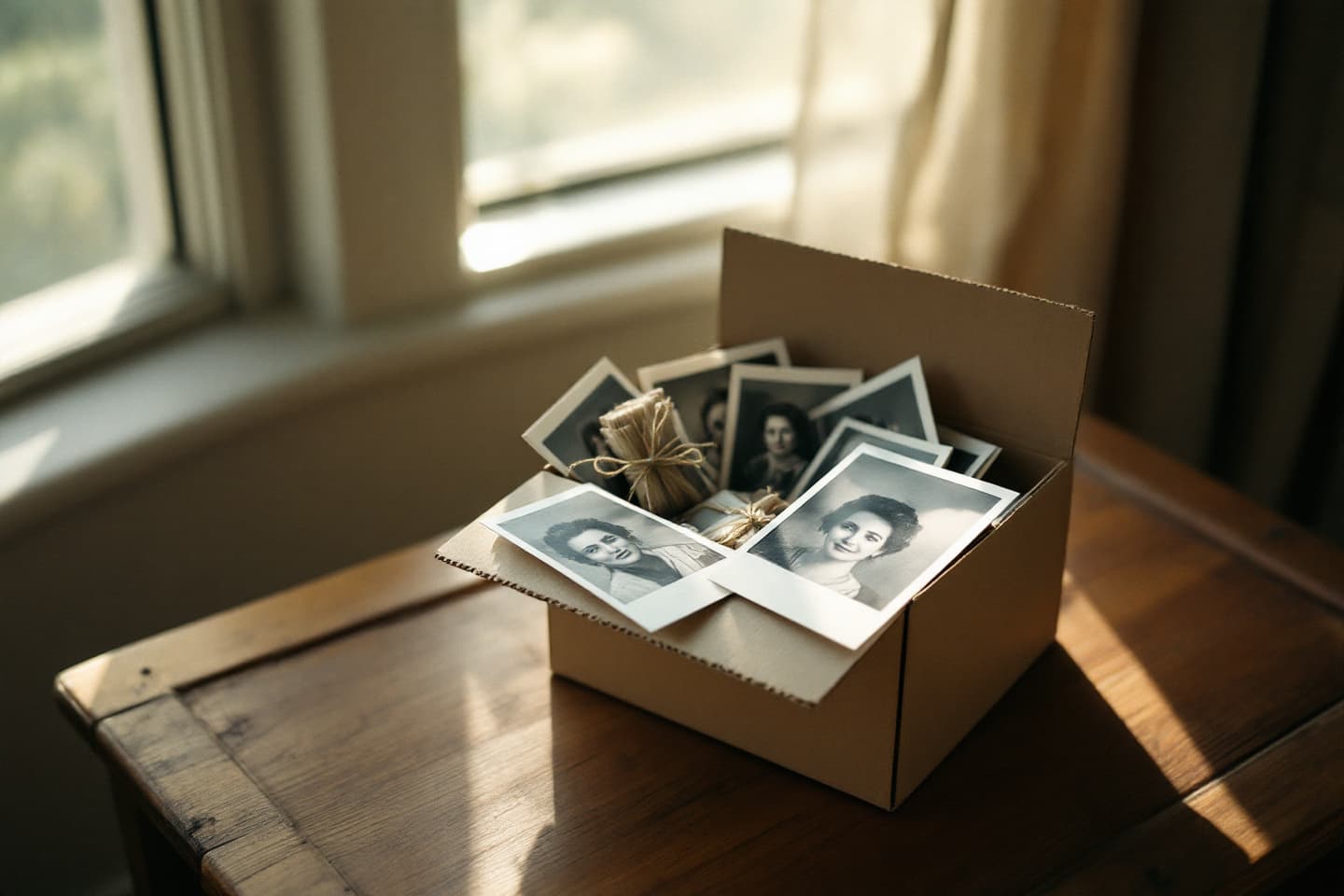
The short answer: first gather everything into one place, then choose, and only at the end decide what to do with it. The photos of a person who passed away are almost never in one place, they are scattered across family members' phones, in yellowing albums in the closet, in a cloud whose password was forgotten. This guide turns that scatter into order, in four practical steps.
Step 1: Collecting, one place, one link
The mistake everyone makes: "send me what you have on WhatsApp". The result, compressed photos in poor quality, scattered across conversations, with no order at all. Instead:
- Open one shared place: a shared album on Google Photos / iCloud, or directly on the memorial platform.
- Send one link to the family group with a simple request: "every photo you have with him/her, here".
- Ask for originals, not screenshots: the difference in quality is enormous.
- Give a soft deadline ("by next Friday") and one reminder. People want to help, they just need it to be easy.
Step 2: The old albums, one scanning evening
The printed photos do not have to be scanned at a lab. A scanning app on the phone (Google PhotoScan and the like) removes glare, straightens and crops automatically, and the result is entirely worthy of the album. The principles: daylight next to a window, no flash, and one photo at a time. And do not forget the back side: sometimes that is where the date and the handwritten caption worth gold are hiding.
A tip that saves a whole generation of confusion: while scanning, ask whoever still remembers, who is in the photo? Write it down immediately. In twenty years no one will be able to identify "dad's friend from work".
Step 3: Choosing, the rule of 100
Thousands of photos are an archive; a hundred photos are a story. First pass: a quick yes/no, without deliberating more than a second on any photo. Second pass: from each life period, childhood, youth, starting the family, work, the grandchildren, choose the 10–20 that tell it best. What stays out is not deleted: it is kept in a backed-up archive (two places, as always).
Step 4: From photos to a story, the step that changes everything
Here is the difference between a tidy pile and an inheritance: a photo without a story dies within a generation. "People next to an old car" that is what a grandchild who was not there sees. But the same photo with three lines, "the trip to the Sea of Galilee in 1978, the moment the car got stuck and dad laughed instead of getting upset" is already a memory that can be inherited.
The stories you wrote on the photos are also what teaches the persona how he spoke. And this is exactly the idea of the living album we are building at MemoAgent alongside it: every photo that is uploaded gets the story behind it, typed or recorded, and the album organizes everything by life periods and reads the stories aloud. If recordings were saved, the stories can be told in their recreated voice. And the whole family keeps adding, through that same single link from step 1. More on the approach, in our article on the living album and in the complete digital memorialization guide.
FAQ
How do you collect photos from all the family members without it scattering?
The simple way: one shared album (on Google Photos, iCloud, or a memorial platform) that everyone receives a single link to. The common mistake: asking "send me photos" on WhatsApp, the photos arrive compressed in poor quality and get mixed into the conversation. Set one place, send one link, and give everyone two weeks.
How do you scan old albums at home, without a scanner?
Scanning apps on the phone (like Google PhotoScan) straighten, crop and remove glare, and the result is far better than an ordinary photo of a photo. Scan next to a window in daylight, without flash, one photo at a time. A whole album takes one evening with Netflix in the background.
What do you do with thousands of photos? You cannot go through everything
You do not need to. The 80/20 rule of memory albums: out of thousands of photos, 100-200 tell the story. Do a quick first pass ("yes/no" without deliberating more than a second), then a second pass that picks 10-20 photos from each life period. The rest is kept in a backed-up archive, not deleted, just not loaded onto the album.
What matters more, the photo or the story behind it?
The story. A photo without context becomes, within one generation, "unidentified people next to an old car". A photo with three lines, who, where, when, and why it mattered, becomes an inheritance. That is why, in every collection process, for every chosen photo it is worth asking whoever still remembers: what is happening here?
From what you kept, to someone you can talk with
The WhatsApp, photos and recordings you already have become a persona that speaks in their style, with a living album beside it. One-week free trial.
Start a memorial for free